Click the cover images above to open the flipbook for the current issues. Scroll down to read previous issues in the “Archives” section.
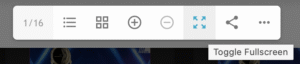
After you click on the cover image and open the flipbook viewer, you can enlarge it by selecting the “Fullscreen” icon in the toolbar at the bottom of the viewer. It looks like this when you hover over the icon with your mouse: